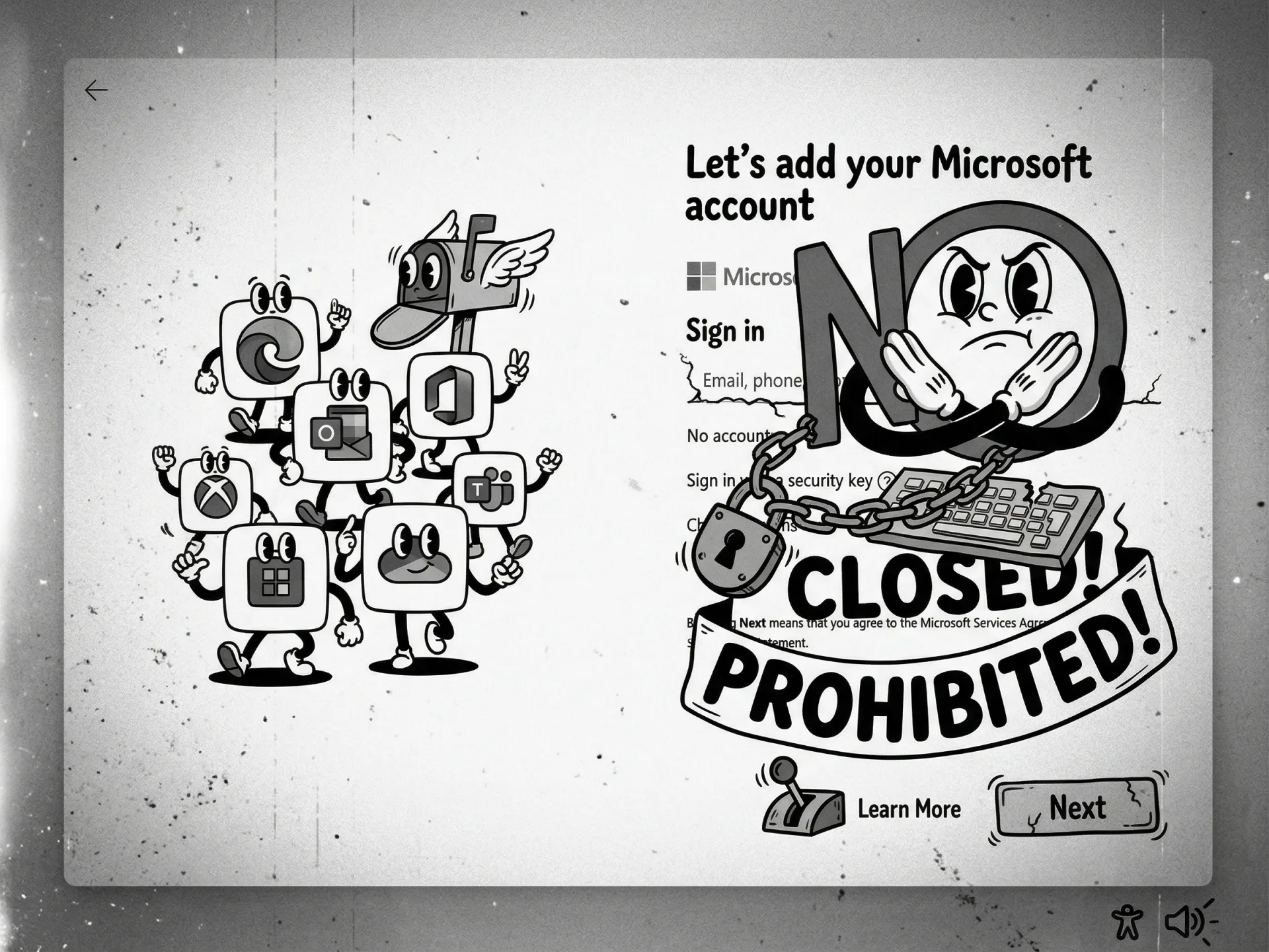
Since the launch of Windows 11, the "Out of Box Experience" (OOBE) has felt less like a greeting and more like a shakedown. To even see your desktop, Microsoft has spent years demanding your email address, your internet connection, and your consent to a suite of cloud services you likely do not want.
However, the tide appears to be turning. On March 20, 2026, Microsoft VP Scott Hanselman revealed he is working on addressing the mandatory Microsoft Account (MSA) requirements that have frustrated power users and privacy advocates alike. We aren't at the finish line yet, but this admission reveals that Redmond is rethinking the relationship between its OS and its users.
Monetizing the Setup Process
Microsoft’s insistence on the MSA was never strictly about cloud synchronization or security. It was a data-gathering exercise. By forcing a login, Microsoft ensured every Windows user was immediately funneled into its ecosystem: OneDrive for backups, the Microsoft Store for apps, and the inevitable upselling of Microsoft 365 and Copilot.
This strategy created massive technical debt and user friction. The consequences are clear: automatically generated user folder names (like "johnd" instead of "JohnDoe") based on email prefixes, and a setup process that takes longer because it forces users to click through pages of marketing for services they didn't ask for.
The real pressure to change isn't just coming from annoyed enthusiasts. Three factors are forcing Microsoft's hand:
- Regulatory Heat: The EU’s Digital Markets Act (DMA) is increasingly hostile toward gatekeeper behaviors that force users into ecosystem bundles.
- Support Costs: Forcing an account on every novice user has led to high technical support costs when accounts are locked, forgotten, or deleted due to new mandatory age verification rules.
- Enterprise Friction: Pro and Enterprise editions offer "Domain join" workarounds, but the lack of a clean local account setup for small businesses and independent pros remains a persistent headache.
The War on Local Account Bypasses
For years, the community has relied on a shifting list of hacks to avoid the MSA requirement. Microsoft hasn't made it easy. In recent preview builds, the company actively removed bypass mechanisms. For example, the OOBE\\BypassNRO script was removed in build 26200.5516 (March 2025), and the ms-cxh:localonly command was blocked starting with Insider Build 26220.6772 (October 2025)—both staples for tech-savvy users wanting to install Windows without an internet connection.
Some Registry edits still work for now, but the official setup experience has become increasingly hostile toward local accounts.
BitLocker: The Built-in Disaster
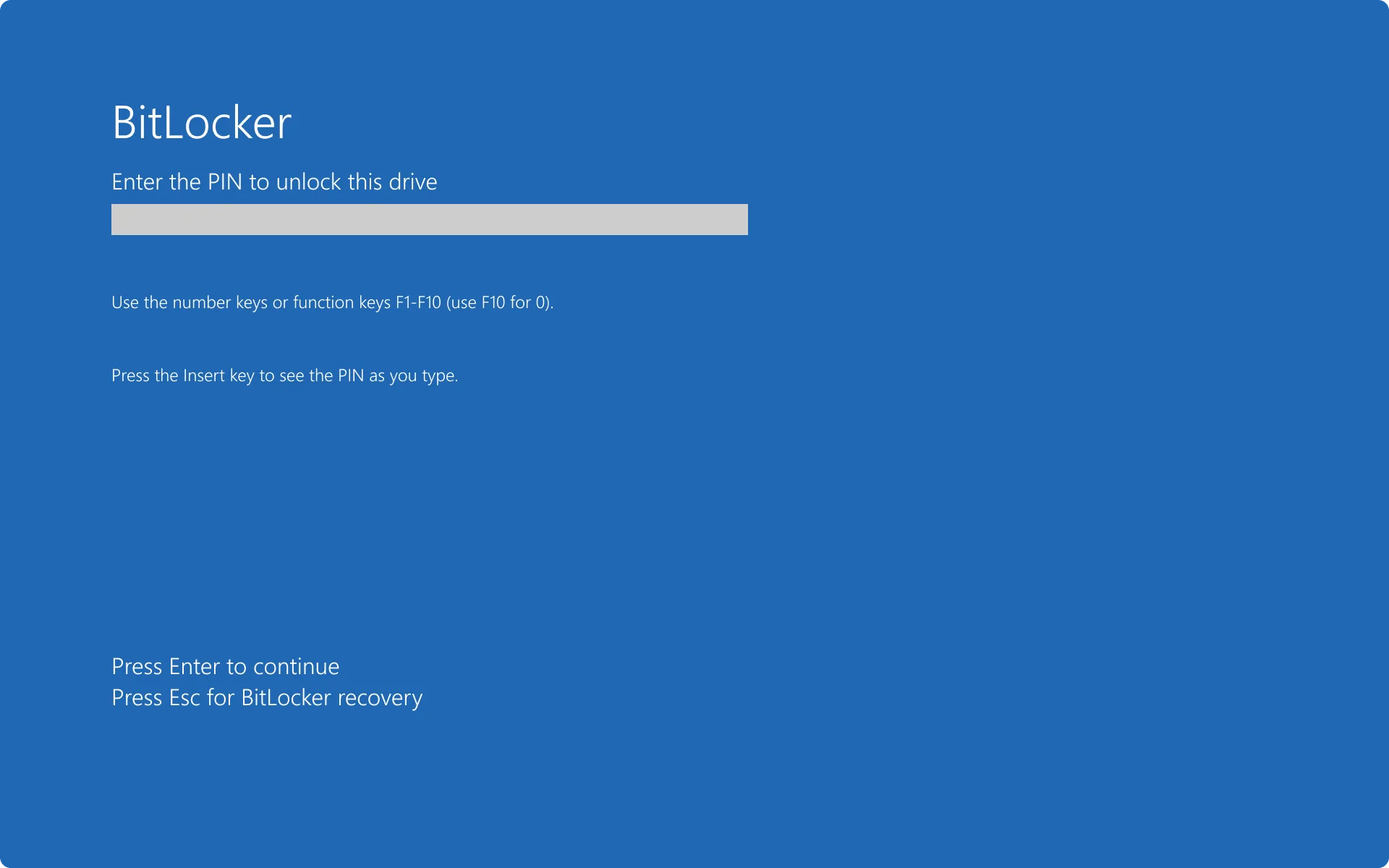
We must address the most dangerous aspect of the current mandatory account system: BitLocker. On Windows 11 Home, Microsoft now automates disk encryption. The recovery key—the only thing that can save your data if your hardware malfunctions—is automatically uploaded to your Microsoft Account.
Many users try to beat the system by using a dummy email address or a one-time account to finish the setup, only to lose access to that account later. If BitLocker triggers a recovery prompt and you cannot log into that dummy account, your data is gone forever. This is no minor annoyance; it is a potential data catastrophe built into the OS architecture. Any move to allow local accounts must also change how BitLocker keys are managed, or we risk a wave of bricked systems.
Restoring User Agency Over Security Theater
Microsoft often argues that mandatory accounts are a security win, citing two-factor authentication and passwordless sign-ins. This is a half-truth. Cloud-backed security is great for many, but it should not be the only option. A local account on a PC that never touches the public internet is, in many ways, more secure than a cloud-synced profile vulnerable to remote phishing.
The removal of the mandatory MSA requirement would not be a step back for security; it would be a return to user agency. We suspect the upcoming streamlined OOBE scheduled for April 2026 Insiders will finally start to reflect this, though we expect Microsoft to keep the "Local Account" option buried under several "Are you sure?" confirmation buttons.
TTEK2 Verdict
The Editorial Take:
Microsoft's mandatory account policy is a classic example of corporate overreach, prioritizing ecosystem "stickiness" over user experience. While Scott Hanselman’s comments are a welcome sign of common sense returning to Redmond, we remain skeptical until we see a "Skip" button that doesn't require a console command to activate.
Practical Takeaways:
- Don't rely on scripts: If you are setting up a new PC today, the script is on its deathbed. Use tools like Rufus to create installation media if you must have a local account.
- Backup your BitLocker key: Whether you use a local account or an MSA, manually save your BitLocker recovery key to a physical USB drive. Do not trust the cloud to hold the only key to your data.
- Wait for the April Update: If you're planning a fleet deployment or a fresh personal build, wait to see if the April 2026 Insider builds finally deliver the account-free setup.









Comments