With the end-of-support date for Windows 10 now firmly in the rearview mirror as of October 2025, Microsoft appears to be shifting its focus toward the performance issues that have dogged Windows 11 since its debut. Internal roadmaps for 2026, reportedly categorized under the name "Project Windows K2," suggest a move away from the "AI at all costs" strategy toward a more disciplined approach to system resources and user experience consistency.
For anyone who has tried to run Windows 11 on a machine with the minimum 4 GB of RAM, these changes are overdue. Despite the official requirements, real-world multitasking on 4 GB often leads to aggressive swap file thrashing. Even on 8 GB systems, idle RAM usage has been reported as high as 3.5 GB—a hefty tax before a single application is even opened.
The Move Back to Native Components
One of the most telling shifts in the K2 roadmap is the migration of core UI components. For the last few years, Microsoft has leaned heavily on React and WebView2 for elements like the Start menu. While web-based components are easier to develop, they are notorious for inflating memory consumption. Third-party apps like Teams, WhatsApp, and Discord—which use similar Electron or WebView2 frameworks—only make the problem worse.
The new plan involves moving these core elements to native WinUI3. This may reduce latency and lower the baseline memory footprint. It’s a move that mirrors the abandoned "20/20 project," which once aimed to cut RAM usage and install size by 20%. While that project never crossed the finish line, the K2 roadmap suggests the performance debt has become too large to ignore, especially with Pavan Davuluri now at the helm as President of Windows and Devices.
A More Practical Approach to Updates and AI
The 2026 roadmap reportedly addresses some of the more granular frustrations of the Windows user base. The "Windows Update overhaul" is perhaps the most visible change for daily users. According to the reports, Microsoft may finally allow users to shut down or restart their systems without being forced to install pending updates. Additionally, users may soon be able to skip updates entirely during the initial Out of Box Experience (OOBE).
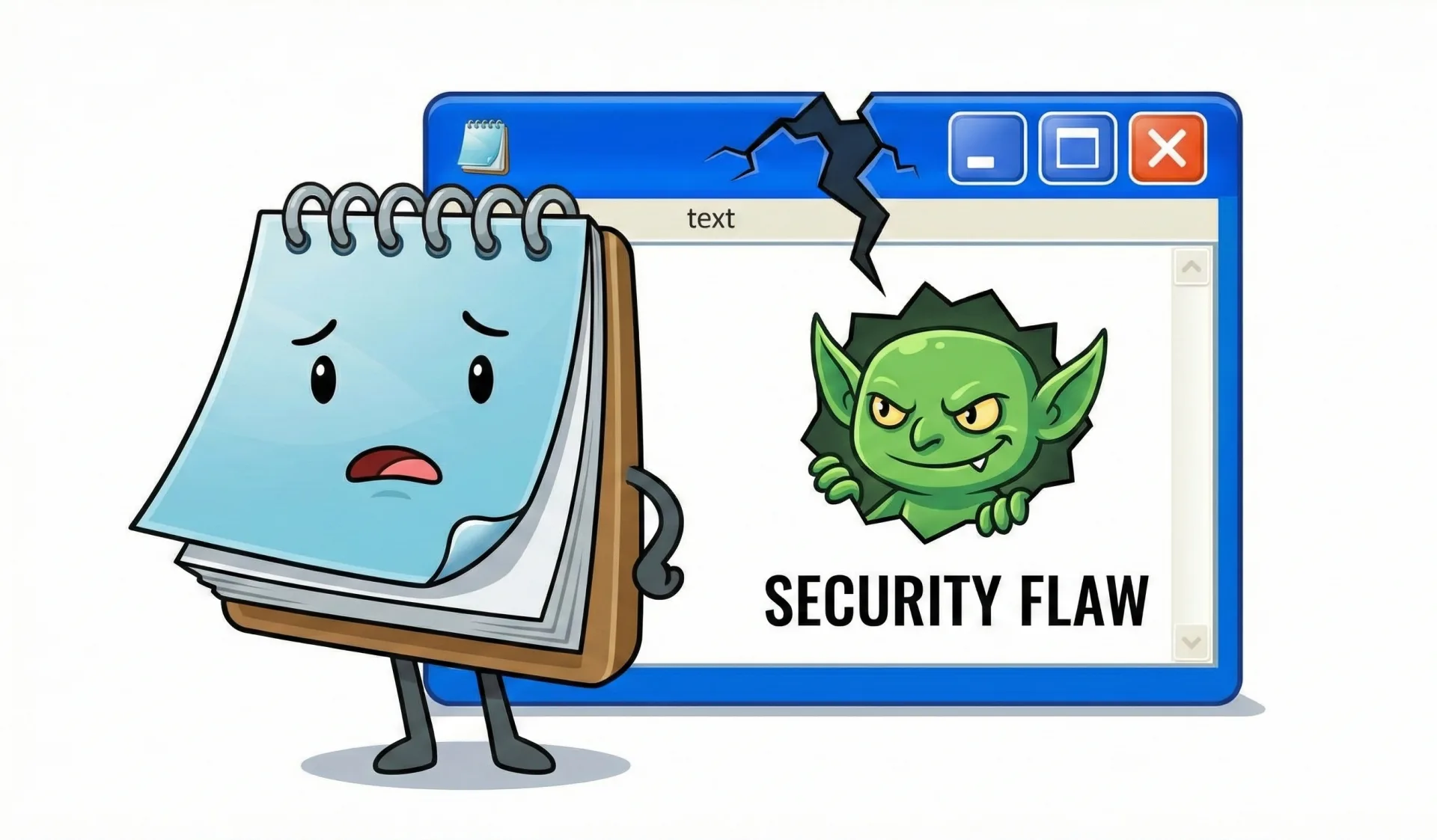
A surprise in the roadmap is the reported scaling back of Copilot and AI integrations in lightweight apps like Notepad, Snipping Tool, and Photos. While Microsoft has spent the last two years pushing AI into every corner of the OS, the K2 plan suggests a realization that these integrations might be unnecessary bloat for simple utility apps. By stripping these back, Microsoft could reclaim resources for the core OS.
Performance Gains for Handhelds and Gaming
Handheld gaming devices seem to be the primary beneficiaries of these optimization efforts. A new "Full-screen experience" (FSE) designed for handhelds is reported to reduce RAM usage by 9% while boosting frame rates by about 8%. This is likely a response to the growing market of portable PCs where every megabyte of RAM is precious.
For traditional gamers, a new feature called Advanced Shader Delivery (ASD) aims to tackle the shader compilation stutter that has plagued modern PC releases. The documentation points to a claimed 95% reduction in first-run load times for titles like Black Ops 7, which, if accurate, would solve one of the most persistent annoyances in PC gaming.
Navigating a High-Priced Hardware Market
These software optimizations are arriving at a critical time. As of early 2026, RAM prices are reported to be skyrocketing, making it more expensive for users to simply buy their way out of performance problems. If Microsoft can successfully lower the system overhead, it may extend the life of older 8 GB and 16 GB systems that are currently feeling the squeeze.
There is still some confusion regarding the long-term future of the OS. While some early 2024 rumors suggested Windows 12 was imminent, current signals suggest it isn't coming anytime soon. Instead, Windows 11 appears to be the platform for the foreseeable future, with Microsoft choosing to refine the existing engine rather than launching a brand-new one.
Practical Steps for Current Users
While the K2 updates roll out through 2026, users on constrained hardware have a few immediate options based on current system behavior:
- Manage Browser Overhead: Since Chrome is reported to use 20–30% more RAM than Firefox, switching browsers or utilizing Microsoft Edge’s "Sleeping Tabs"—which can save roughly 32% of memory—remains an effective way to claw back resources.
- The SysMain Debate: For those on 4 GB systems, disabling SysMain (formerly Superfetch) is often recommended to stop the disk thrashing associated with the swap file. However, if you have 8 GB or more, it may be better to keep it on; disabling it on higher-spec systems usually hinders overall responsiveness.
- Watch the Taskbar: The K2 roadmap mentions the return of side and top docking for the taskbar. For users with ultra-wide monitors, this repositioning might finally offer a more efficient use of screen real estate.
Prioritizing Stability Over Flash
Microsoft’s shift toward consistency and reliability suggests a pivot away from flashy features in favor of a stable foundation. Whether Project K2 can actually turn Windows 11 into a lightweight OS is the big question, but the intent to cut the bloat is the clearest signal we've seen from Redmond in years.







Comments