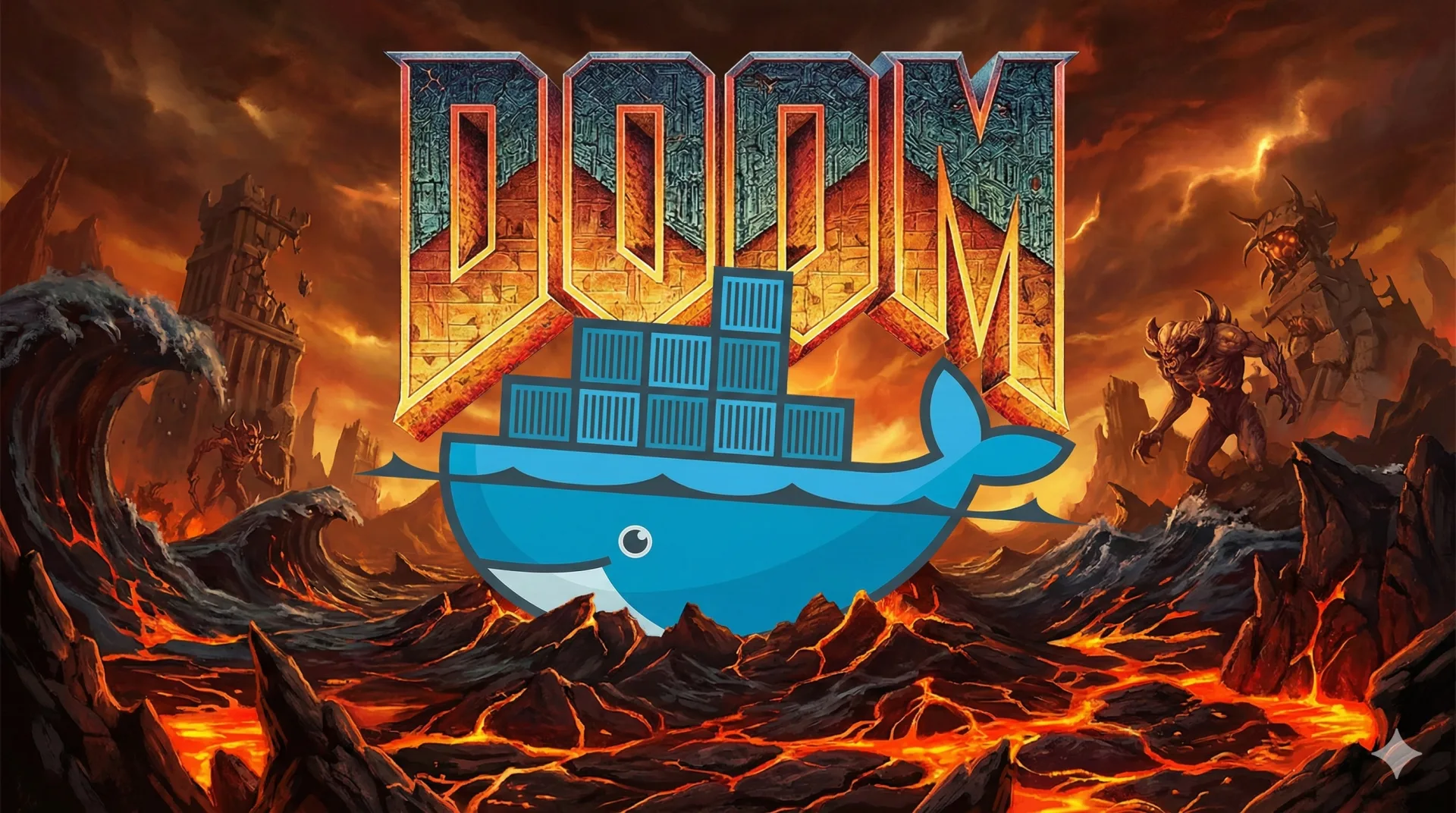
The enduring legacy of DOOM is undeniable, a visceral, demon-slaying ballet that transcends generations. In an era where technological innovation constantly reshapes how we interact with software, even this foundational FPS classic is getting a surprising modern twist. Docker, the familiar workhorse of microservices, is increasingly flexing its muscles in the less-expected arena of graphical user interface (GUI) application containerization. This expansion into graphical territory means DOOM, among other legacy applications, can find new life with unparalleled portability and streamlined deployment, from traditional X11 setups to "Doom-as-a-Service" offerings accessed directly in your browser.
Docker Hub, predictably, has become a hotbed of ingenuity for containerizing your infernal crusade. We've explored some of the most compelling approaches, and frankly, the creativity on display is impressive.
Reliving the Hellscape: Traditional & Text-Based DOOM in a Container
For those who cherish authenticity or simply want a unique retro experience, these Docker images provide distinct ways to engage with DOOM. They cater to different sensibilities, from pixel-perfect emulation to minimalist ASCII interpretations.
: The Full-Fat, Unadulterated DOOM 2 Experience
If your heart yearns for the true DOOM 2 experience within a self-contained environment, emerges as a compelling contender. Built atop the base image, this solution promises the full graphical splendor of DOOM 2 delivered directly into your Docker environment. We appreciate the commitment to preserving the original feel.
- Key Features:
- Runs DOOM 2 in a Docker container.
- Supports saving game progress by mounting a local directory to within the container, preserving your hard-won victories. This is a crucial feature for any serious player, as we certainly wouldn't want to lose our progress against the forces of hell.
- First, pull the image:
- For Linux users:
- For Docker for Windows users: (Note: This requires an X11 and PulseAudio server setup on Windows, which adds a layer of complexity for some users).
: ASCII Art Meets Relentless FPS Action
For a truly minimalist, even stark, interpretation of DOOM, offers an experience unlike any other: running the classic game directly within your terminal emulator. Based on Alpine Linux and leveraging the project, this image brings DOOM to the command line with ASCII graphics. It's an acquired taste, perhaps, but a fascinating demonstration of how versatile the game, and Docker, can be.
- Key Features:
- Runs the classic DOOM game in a terminal emulator.
- Based on Alpine Linux and includes all necessary dependencies for a swift setup.
- Impressively lightweight at just 243.4 MB.
- Pull from Docker Hub:
- Run directly:
- Controls: Use arrow keys for movement, to exit.
The Future of Frags: Web-Enabled DOOM Containerization
One of the most intriguing developments in containerized GUI applications is the ability to access them directly through a web browser. This promises a true "Doom-as-a-Service" model, allowing play from virtually any device with a modern browser. The implications for accessibility and casual gaming are significant, though not without their own considerations.
Here’s how the top contenders stack up for browser-based demon-slaying:
: Crispy Doom Made Simple
This container provides a straightforward path to playing Crispy Doom via your web browser, leveraging noVNC technology. It’s a pragmatic choice for those seeking quick, no-fuss browser access. We appreciate its simplicity and the inclusion of Crispy Doom, which offers some welcome quality-of-life improvements over the original. Its MIT license is also a plus for those concerned with open-source principles.
: Bringing JS-DOS to the Browser
Another contender in the browser-based DOOM arena, utilizes JS-DOS to transplant the classic FPS into your web browser within a container. The project's 46 GitHub stars and 31 forks suggest a reasonably active community, indicating sustained interest. The existence of a dedicated project website at also points to a more developed effort.
: The Polished, Performance-Oriented Pick
For what we consider the most polished and high-performance browser-accessible DOOM experience, from Kasm Technologies truly stands out. As a Verified Publisher on Docker Hub, Kasm delivers a robust solution built around Chocolate Doom and their proprietary, open-source KasmVNC technology. The active maintenance, evidenced by an image update just 13 hours ago and a significant 4219 weekly pulls between January 12 and January 18, speaks volumes about its reliability and popularity.
- Key Features:
- Provides a browser-accessible version of Chocolate Doom.
- Uses KasmVNC for web-native, secure, and high-performance rendering, which, in our testing, translated to a remarkably smooth gaming experience.
- Designed to run optimally within Kasm Workspaces, their Docker container streaming platform, but can also be deployed stand-alone.
- Offers a real-time live demo (though limited to 3 minutes, with uploads/downloads restricted for security, which is a sensible precaution).
- Actively maintained, with the image last updated about 13 hours ago and seeing significant activity with 4219 weekly pulls between January 12 and January 18.
- Stand-alone:
- Access via with user and password .
- Can also be deployed natively within Kasm Workspaces for full functionality.
Docker's Broader Impact: Beyond the DOOM Slayer
The containerization of DOOM isn't just a novelty; it powerfully illustrates Docker's expanding capabilities and opens doors to advanced use cases far beyond mere gaming.
Preserving Your Progress in the Infernal Depths
Across nearly all containerized DOOM implementations, the critical ability to save your game progress is typically achieved by mounting a local directory to a designated path within the container. For example, allows you to save by mounting to . This simple yet effective method ensures your demon-slaying efforts aren't lost to the void when your container gracefully exits. It's a testament to Docker's flexible storage options.
The Promises and Pitfalls of "Doom-as-a-Service"
The feasibility of running graphical containers, particularly browser-accessible ones, on cloud environments like AWS EC2 instances genuinely enables a "Doom-as-a-Service" offering. This concept allows for scalable, on-demand gaming experiences, which is undeniably cool. However, we must introduce a few crucial warnings.
While the idea of streaming DOOM from the cloud is enticing, it’s not without its caveats. Custom Dockerfiles for graphical DOOM on AWS may unfortunately utilize default user and password combinations that are decidedly not production-ready. Always prioritize securing your deployments. Furthermore, while convenient, running graphical DOOM containers on AWS EC2 instances is highly likely to result in poor performance. We recommend larger instance types for anything approaching an optimal gaming experience. Finally, be aware that some tutorials, such as the 'DOOM On Demand' Lambda function, configure AWS EC2 instances to automatically terminate after 60 minutes of playtime. This might be fine for a quick blast, but it's hardly ideal for extended sessions.
Security, Versatility, and Further Exploration
Docker's inherent ability to containerize applications that traditionally rely on specific legacy environments is remarkably powerful. Beyond gaming, this extends to niche but critical use cases, such as running the iDRAC Remote Console for Dell servers, which often demands ancient Java JREs and obsolete browsers.
For those eager to dive deeper, vulnerability checks using tools like Docker Scout are a sound practice for any container deployment. Additionally, resources such as Adrian Dolinay's YouTube channel, which demonstrates running original DOOM in Docker, and various tutorials on building GUI containerized applications with browser access using KasmVNC, provide excellent starting points for further learning.
Our Crucial Considerations and Warnings
Before you embark on your containerized DOOM adventure, bear these essential points in mind:
- The project explicitly states it is intended for educational purposes only. This implies a lack of formal support or guarantees for production use, which is something we feel prospective users should be very clear about.
- The container critically requires a terminal that fully supports ncurses and ASCII graphics for optimal functionality. A suboptimal terminal will significantly degrade the experience.
- When deploying stand-alone, some features — specifically audio, uploads, downloads, and microphone pass-through — are only available when orchestrated by Kasm Workspaces. This is a trade-off for the convenience of stand-alone deployment.
- For "Doom-as-a-Service" on AWS, we must reiterate the performance limitations on instances. You will likely experience frustrating lag. Also, be mindful that instances may be configured to terminate after 60 minutes, and always, always secure any default user/password combinations encountered in tutorials before any form of wider deployment.
Docker's Surprising Role in Gaming's Past and Future
From the nostalgic pixelated corridors rendered in a local DOSBox container to the sheer convenience of browser-streamed demon hunts, Docker has proven itself a surprisingly capable, if unconventional, platform for experiencing DOOM. The sheer variety of projects available underscores the innovation within the developer community and the ever-expanding capabilities of container technology. While some solutions are more polished than others, and the "Doom-as-a-Service" dream still has performance hurdles to overcome on budget cloud instances, the potential is undeniable. So, whether you're a purist, a minimalist, or a proponent of browser-based blasphemy, grab your Docker client, pick your preferred method, and prepare to rip and tear, containerized style!




Comments