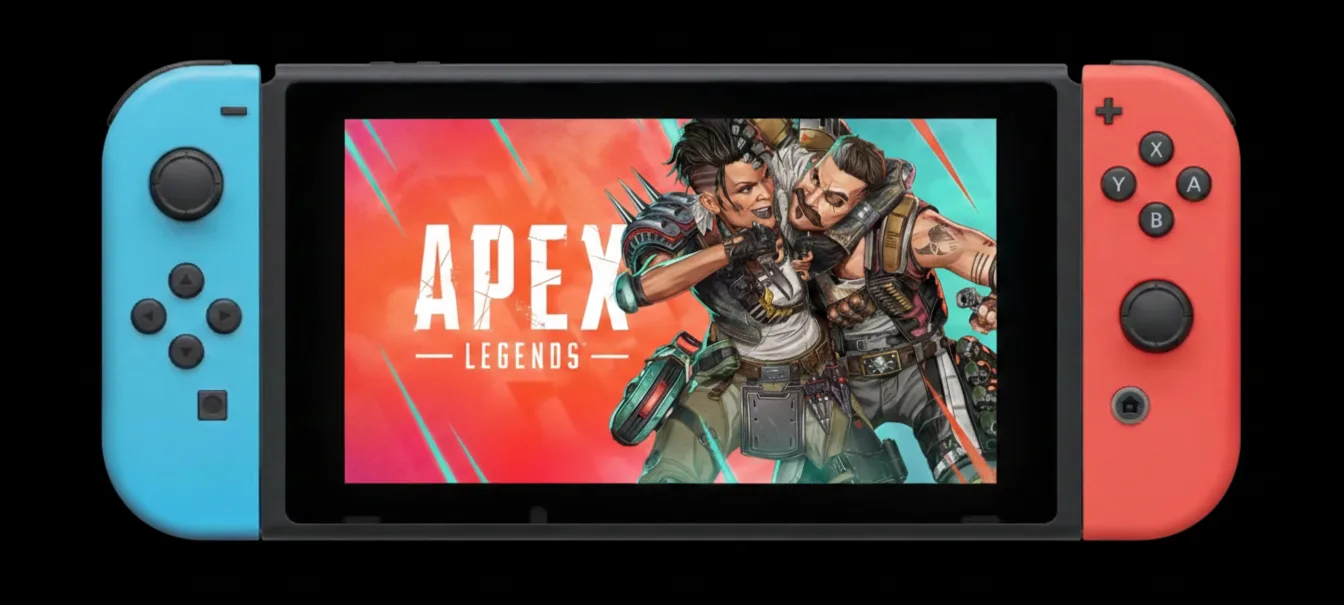
For many Nintendo Switch players, Apex Legends has been a battle royale staple since its March 2021 debut. However, with the Nintendo Switch 2 now firmly established in the market and leading hardware sales in December 2025, Respawn Entertainment is making a significant move to elevate the game's experience — a move that leaves some players in the dust, but promises a brighter future for others.
Get ready, Legends: Apex Legends will officially end support for the original Nintendo Switch system on August 4, 2026. This decision, according to Respawn, aims to evolve the game's content and technical foundation, delivering a high-quality experience that the original hardware simply can't sustain. While we understand the technical necessity, it's fair to ask why it took this long, given the long-standing complaints about the game's performance on the original console.
While it's a farewell to an era for original Switch owners, it's also an exciting ushering in of a new one, particularly for those looking to continue their battle royale journey on Nintendo's latest handheld. This guide will walk you through everything you need to know about this transition, ensuring your progress and Apex Coins make the jump smoothly.
The End of an Era: Key Dates for Original Switch Players
Mark your calendars, because these dates are crucial for original Nintendo Switch players navigating this transition:
- August 4, 2026:
- This is the official End of Service Date for Apex Legends on the original Nintendo Switch.
- Starting this day, Apex Legends will no longer be playable on the original system.
- In-game premium currency will no longer be available for purchase on the original Nintendo Switch.
- This date also marks the start of Season 30, which will be exclusively available on Nintendo Switch 2 and other supported platforms.
Why the Original Switch is Getting Left Behind: A Candid Look
Respawn Entertainment's decision to discontinue support for the original Nintendo Switch is framed as a commitment to quality and evolution. We've long argued that the original Nintendo Switch hardware, released in March 2017, was already showing its age by the time Apex Legends launched on it in 2021. The original Apex Legends port was, by many accounts in the player community, a compromise. Players frequently described it as having "poor performance and visuals," sometimes even being "unplayable" or a "barely playable mess." We've seen countless Reddit threads detailing how performance issues, such as objects failing to render far enough, significantly impacted gameplay and put Switch players at a distinct disadvantage in cross-play matches.
Indeed, initial reports from 2021 highlighted that the game ran at a locked 30 frames per second (fps) in both handheld and docked mode, with resolutions of 720p docked and 576p handheld. This compares unfavorably to the original PS4 and Xbox One models, which targeted 60 fps. Community sentiment echoed this, with players noting "muddy textures," a lack of grass, and blurry distant objects, making it incredibly difficult to spot opponents. One Reddit user in late 2025 even noted that the game "almost never reaches 30fps during matches, and in combat scenes it often drops to around 20–25fps," making it a "serious issue" for an FPS game.
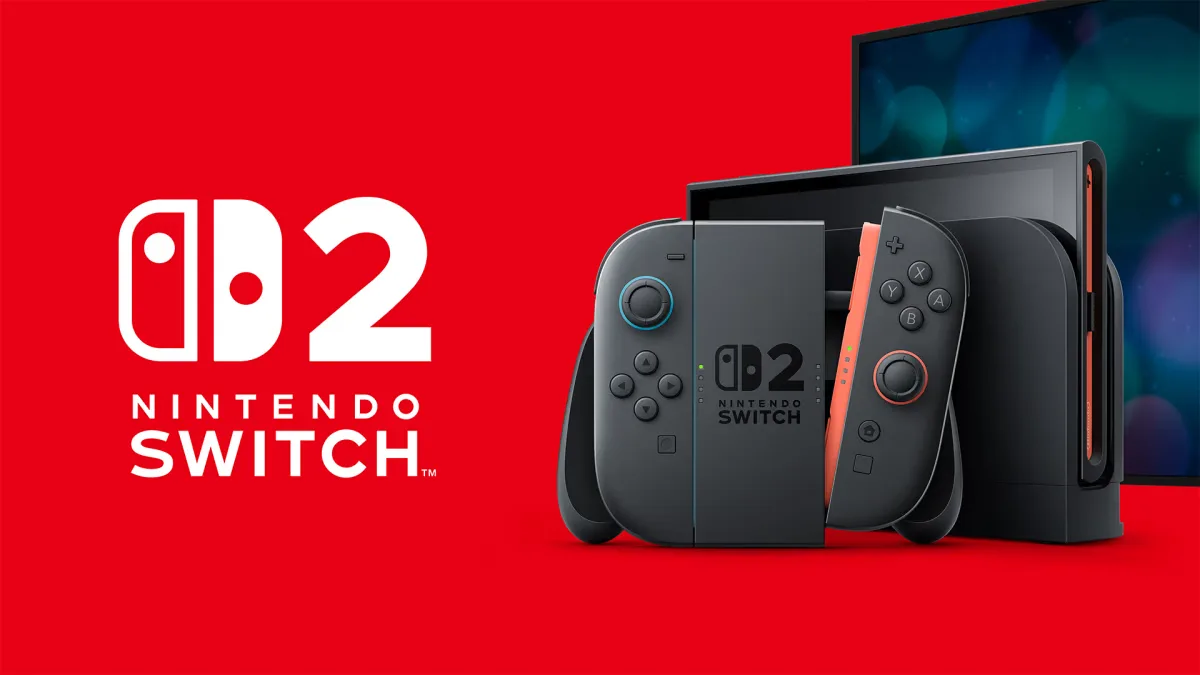
By transitioning exclusively to the Nintendo Switch 2, Respawn aims to leverage the newer console's capabilities. Nintendo has invested in the Switch 2, which features a more powerful CPU and GPU, increased RAM, and faster storage, all designed to offer an improved handheld experience. The Nintendo Switch 2 version of Apex Legends, for example, is already noted for its 60 frames per second (fps) gameplay, a significant upgrade that promises a much smoother and more competitive experience. We think this upgrade is not just desirable but essential for a fast-paced battle royale title.
Here’s how the original Switch Apex Legends experience stacks up against its successor:
Your Apex Legends Account & Progress: The Good News
One of the biggest concerns for any player is their hard-earned progress and purchases. Fortunately, Respawn and EA have made the transition as player-friendly as possible for those moving to the Nintendo Switch 2. This is a relief, as losing years of progress would be a significant deterrent to upgrading.
All player progress, purchases, and earnings for Apex Legends are tied to individual EA accounts. This is critical and ensures your hard work isn't lost.
- Carryover to Nintendo Switch 2: Everything earned or purchased on your original Nintendo Switch, including Apex Coins, cosmetics, and account level, will carry over to your Nintendo Switch 2 profile.
- Existing Premium Currency: Any existing premium currency balances from the original Nintendo Switch will be available for use on Nintendo Switch 2 after August 4, 2026.
- Cross-Progression (Excluding Currency): If you play Apex Legends on other platforms (PlayStation, Xbox, PC), you can transfer all game progress (excluding premium currency) to those compatible platforms via the Cross Progression Hub.
Seamless Transition: How to Get Your Data to Nintendo Switch 2
Making the switch to your new console is straightforward, which is exactly what we expect from a publisher managing a generational hardware leap for its player base.
- Ensure Your EA Account is Linked: Make sure your Apex Legends progress on your original Nintendo Switch is linked to your EA account. This is the foundation for carrying over your data.
- System Transfer (Optional but Recommended): You can initiate a System Transfer from your original Nintendo Switch to your Nintendo Switch 2. This is Nintendo's built-in method for moving all user data.
- Manual Sign-in: Alternatively, sign into your Nintendo Switch 2 with your Nintendo account first, and then sign into Apex Legends with your existing EA account. Your Apex Legends progress should then sync.
- Download Apex Legends on Switch 2: Once signed in, download the Nintendo Switch 2 version of Apex Legends. Be aware, the game file size for Apex Legends on Switch 2 is 78.5 GB, a considerable jump from the original's ~25 GB, highlighting the graphical and content enhancements.
Navigating Your Apex Coins: What You Need to Know
While progress generally transfers well, there are specific nuances regarding premium currency that players must pay attention to. This is where Respawn and EA place the onus on the player, and we urge everyone to be diligent.
- No New Purchases on Original Switch: Beginning August 4, 2026, you will no longer be able to purchase in-game premium currency on the original Nintendo Switch.
- Switch-to-Switch 2 Transfer Only: Digital currency purchased on the original Nintendo Switch will not transfer to other platforms (PlayStation, Xbox, PC). However, it can be merged and used on your Nintendo Switch 2.
- Beware of Expiration Dates! This is extremely important and a point of critical analysis. While seemingly a niche issue, it can result in real money lost.
- In some regions, local laws require players to use digital currency within 180 days of purchase.
- Players who purchased currency in Japan are subject to a 180-day expiration period across ALL platforms, including Nintendo Switch.
- Check your regional laws and your purchase history to ensure you don't lose any Apex Coins due to expiration. We find it concerning that players might lose purchased currency due to regional regulations and a platform migration, rather than a system designed to universally protect all purchases.
What to Expect on Nintendo Switch 2: A Genuine Upgrade
The move to Nintendo Switch 2 is about making the game much better, and we believe this is a promise the hardware can deliver on. The Switch 2 platform offers a significantly improved handheld experience. Early reports suggest it boasts a larger LCD, more internal storage, and updated graphics and controllers. Importantly, it can support 1080p at 120 Hz in handheld mode and 4K at 60 Hz when docked, along with HDR support. This is a stark contrast to the original Switch's capabilities.
The notable 60 fps gameplay for Apex Legends on Switch 2 is a crucial enhancement. This, along with improved visuals and performance, directly addresses many of the criticisms leveled at the original Switch port, which often left players feeling disadvantaged. Nintendo's investment in the Switch 2 is evident, with the console selling nearly 17.4 million units in just over six months, making it one of the fastest-selling consoles in the company's history. This rapid adoption, coupled with dedicated editions of major releases like Super Mario Bros. Wonder featuring enhanced visuals and new modes, signals a clear push for player adoption and a premium gaming experience. Old Switch games can even benefit from the Switch 2's hardware improvements without patches, seeing faster loading times and more stable performance.
Important Reminders & Warnings
Before you dive back into the Apex Games on your new console, keep these general requirements and warnings in mind:
- Persistent Internet Connection: Apex Legends requires a persistent internet connection to play.
- EA Account: An EA account is mandatory.
- Platform Accounts & Subscriptions: Applicable platform accounts (your Nintendo account) and platform subscriptions (Nintendo Switch Online, sold separately) may be required.
- Age Restrictions: Apex Legends is subject to age restrictions.
- In-Game Purchases: The game includes in-game purchases.
- No Refunds: Purchases made for Apex Legends are final and non-refundable.
Respawn Entertainment has expressed its gratitude to the Nintendo community that has been with them since Day 1. This transition ensures that Apex Legends can continue to evolve and deliver a high-quality experience for years to come. By following this guide, you'll be well-prepared to make the jump and continue fighting for glory in the Apex Games on your Nintendo Switch 2.


Comments