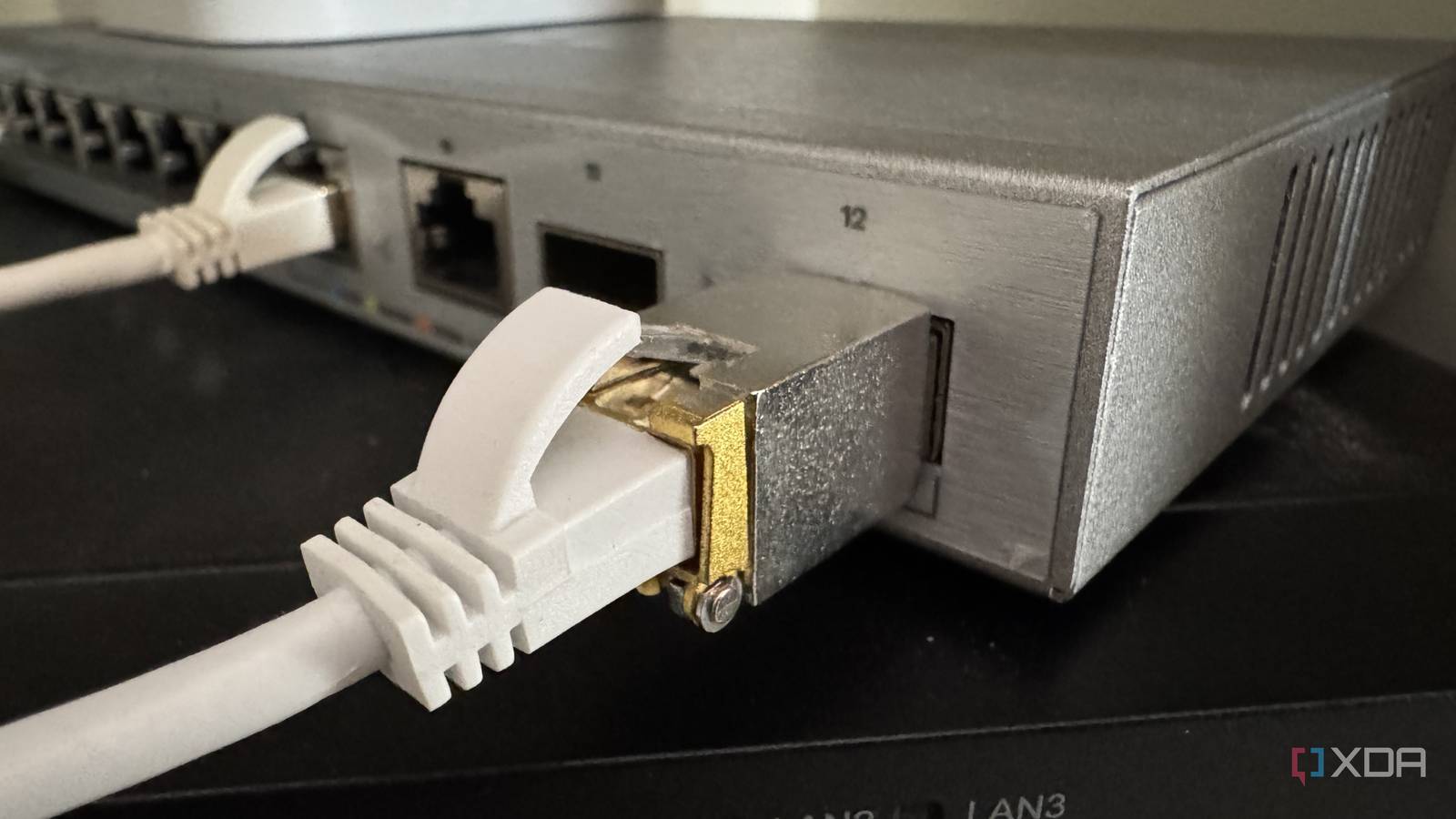
Your home network probably has a hidden bottleneck, and Wi-Fi 7 won't fix it
…Sign in to your XDA account Upgrading to Wi-Fi 7 feels like it will solve all of your networking problems. Let's say you've just unboxed a flagship Wi-Fi…
If you’re experiencing Wi-Fi dead zones in certain rooms of your home, buffering during 4K streaming, lag during online gaming, dropped video calls, and slower laptop Wi-Fi speeds than your internet plan promises, the problem isn’t your broadband plan, it’s your wireless network.Modern households regularly run 15-30 connected devices. Older Wi-Fi standards can struggle with congestion, interference, and multi-device load. The Wi-Fi 7 Standard (802.11be) can fix all this, ensuring you get a faster, more consistent connection in every room that you access the internet.Upgrading to Wi-Fi 7 is muc
How to Fix Wireless Dead Zones and Upgrade to Wi-Fi 7 at HomeMSI Roamii BE Pro (MRBE110) – for fixing wireless dead spots in larger homes MSI Key features Wi-Fi 7 mesh router system (802.11be) Tri-band wireless: 6GHz + 5GHz + 2.4GHz Multi-Link Operation (MLO) for improved stability under load 2.5G Ethernet ports (x4) for wired devices and multi-gig setups 6 internal antennas Built-in network security powered by Trend Micro Guest network isolation and parental controls Find WiFi Spot placement guidance The MSI Roamii BE Pro (MRBE110) is a tri-band Wi-Fi 7 mesh router system designed to replace a single-router setup with a mesh network (a multi
How to Fix Wireless Dead Zones and Upgrade to Wi-Fi 7 at HomeMSI’s Wi-Fi 7 solutions work as a complete ecosystem, with Roamii mesh systems improving whole-home coverage, and Wi-Fi 7 adapters allowing other incompatible computers to access faster wireless performance.Choose Roamii BE Pro (MRBE110) if you need stronger whole-home coverage, tri-band Wi-Fi 7 support, and better performance in large homes with many connected devices. Its Find WiFi Spot feature (see video >>) helps you optimise performance through correct node placement, making this an idiot-proof Wi-Fi 7 upgrade solution for all users.Choose Roamii BE Lite (MRBE50) if you want reliable Wi-F
How to Fix Wireless Dead Zones and Upgrade to Wi-Fi 7 at HomeWi-Fi 7 is the latest Wi-Fi standard. It’s designed to improve wireless performance in busy networks through features that increase efficiency, reduce congestion, and improve stability when multiple devices are connected at once.
How to Fix Wireless Dead Zones and Upgrade to Wi-Fi 7 at Home…Sign in to your XDA account Upgrading to Wi-Fi 7 feels like it will solve all of your networking problems. Let's say you've just unboxed a flagship Wi-Fi…
…A modern Wi-Fi 6 router will cost you less than $60, making it a great value upgrade for your entire network. For around $100, you can jump to a Wi-Fi…
…To translate that signal into a Wi-Fi network, you’ll need to connect a wireless router to the modem with an Ethernet cable. Most people keep the two pretty close together…
…Wi-Fi 7 Is the Upgrade Your Home Network Actually Needs Wi-Fi 7 is up to 4.8x faster than Wi-Fi 6 and 13x faster than Wi-Fi 5, but…
I'd like to upgrade my home router with WiFi. Is Flint 2 Still the Best OpenWRT Router? What about 6ghz? I live in a city with many apartment buildings and units, so there are countless Wi-Fi networks nearby. Thanks!
Hi Reddit, We just wrapped up The Android Show | I/O Edition, and a core theme of the show was how we’re making your phone more helpful so that you can spend less time looking at it and more time living your life. To mak…
…You can get multi-gigabit speeds over the backhaul, which I've never seen on my Wi-Fi 6E network equipment. Wi-Fi 8 will continue this trend With Wi-Fi 8…
…Related 5 router settings most people never touch that fixed my network problems Lesser-known fixes for well-known problems Your home layout could be sabotaging your Wi-Fi Walls and physics…
…Turn on the firewall and Wi-Fi encryption. Create a guest network. Use a VPN. Keep your router and devices up to date. Disable remote router access. Verify connected devices. Upgrade to…
…you're hoping to future-proof your network and take advantage of the better mesh system, then Wi-Fi 7 is a great upgrade. Just don't expect to be taking advantage…
…Related Wi-Fi 7 will not fix what's actually wrong with your home network A new router alone won't upgrade your network to Wi-Fi 7 A new setup became…
If you have a home network—with a dated Wi-Fi standard or no Wi-Fi at all—and want to upgrade it straight to Wi-Fi 7 , the Zyxel WBE660S BE22000…